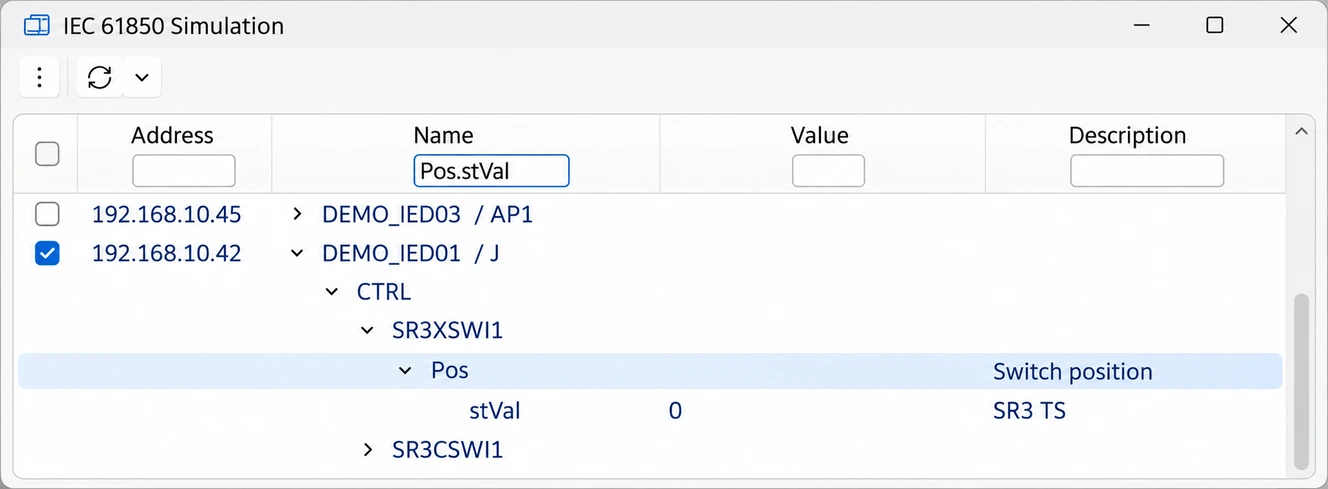
IED simulation: reproduce devices
Simulate one or more IEDs from the SCL file on a network adapter of your choice. Read and write values at DO or DA level; saved profiles set values in all simulated IEDs at once.

STS — Signal Test Suite
STS combines tools for testing and diagnosing communication according to IEC 61850 and IEC 60870-5-104: IED simulation, client, telegram sending and network monitor, all based on your SCL file.
Application
The basis is the SCL file of your installation. From it, STS creates a signal list that maps each IEC 61850 data point to the corresponding IEC 60870 telegram or HMI display and control.
All modules use this data basis. Views can be arranged freely and are kept for the next start, so you can set up STS for your test task, for example FAT or SAT.
The software
Simulate one or more IEDs from the SCL file on a network adapter of your choice. Read and write values at DO or DA level; saved profiles set values in all simulated IEDs at once.
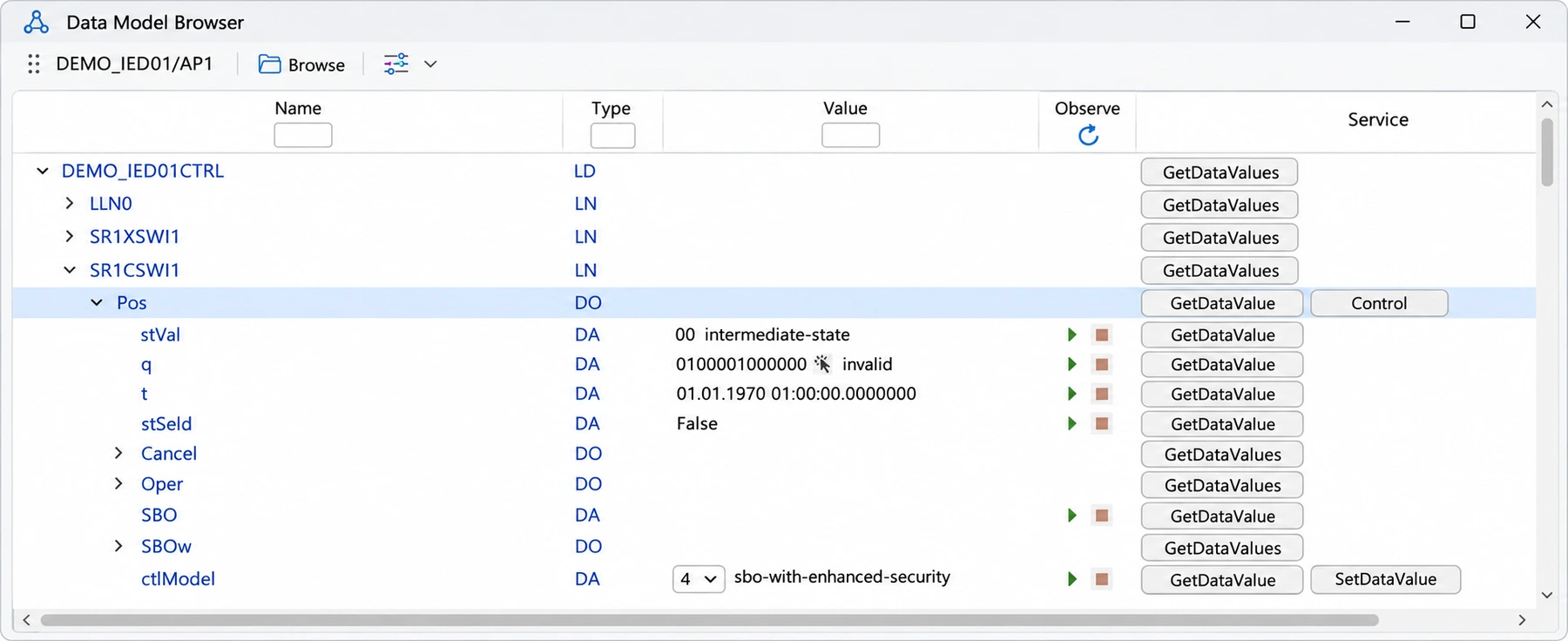
Connect to real IEDs and load the data model. Read and write values directly in the browser and execute commands according to the control model. Subscribe to reports and request general interrogations.
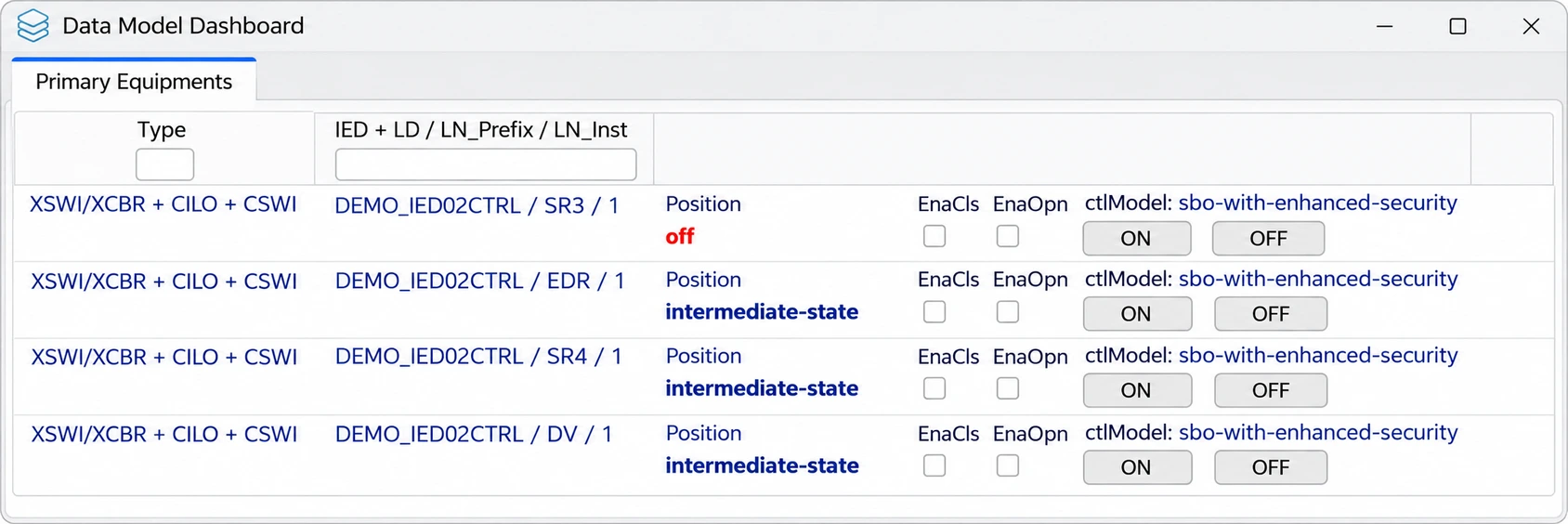
Selected data points are polled cyclically. The dashboard shows switching device positions with their enables and operates them with one click; select and operate follow the ctlModel.
More modules
Send telegrams to an IEC 60870-5-104 server. Select a command from the signal list and the matching values are pre-filled.
The built-in sniffer records traffic as pcapng. With an SCL file loaded, the monitor shows plain-text names, quality and time stamps. Wireshark captures can be opened too.
Trained users have access to all services according to IEC 61850-7-2, plus views of incoming reports and GOOSE messages.
Example
The signal list and data model are created from the installation’s SCL file.
Bay devices are reproduced on the station bus side.
Set indications and measured values in the simulation or send commands via IEC 60870-5-104.
Use the monitor to trace which reports and telegrams reach and leave the gateway.
At a glance
STS needs no setup: the program folder is simply copied to the target system.
Your next step
Tell us about your installation and requirements.